


How does GoLocal Work?

1. Browse and Add to GoCart
Browse available products offered by GoMerchants and add your interested products into your GoCart. If you do not have a GoLocal account, register for your free account and you can start shopping through GoLocal!

2. Place Your Order
Once you have confirmed the items that you wish to obtain through the GoMerchants, you can now proceed to place your order. No payment is required at this stage when you place your order as the GoMerchant will contact you to confirm your order details (ie: product, quantity).
3. Confirmation of Order by GoMerchant
During this stage, the GoMerchant will contact you within three working days to confirm your order. This includes confirming your information, delivery address (if any). The GoMerchant will also advise you on the availability of the product(s) that you have ordered and provide you with any updates to your order.
4. Payment of Order
Once your order is confirmed, you will receive a notification to inform you that the GoMerchant has confirmed your order and you can proceed to make payment to the GoMerchant. You will receive an email confirmation which includes the invoice and payment link for your GoLocal order.
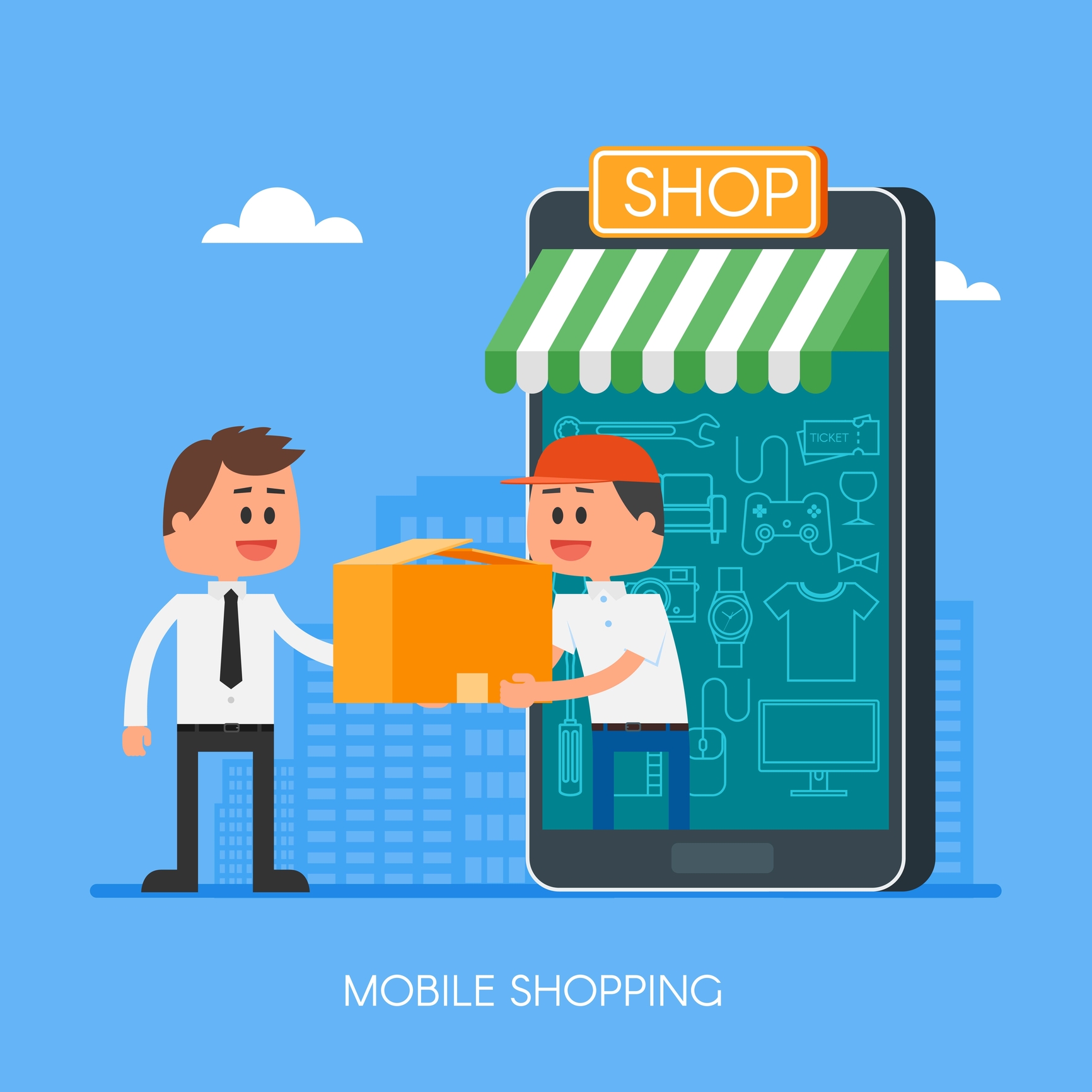
5. Order Collection / Delivery
If your order includes doorstep delivery, sit back and wait for your products to arrive at your doorstep. Otherwise, you have been provided with your GoMerchant's business information for self-collection at the business premise.
Need Help?
Let us help you in setting up your GoMerchant account.
Contact our GoMerchant specialist at:

+65 6304 3222
Monday to Friday, 9.30 AM to 4.30 PM
